ZIMAM Migrate
FactoryTalk View to Ignition 8.3, converted or rebuilt, with nothing guessed.
An Ignition 8.3 module that reads a FactoryTalk View SE or ME export (displays, tags, alarms, VBA and parameters) and turns it into an Ignition project. Convert the displays as drawn, convert them in the ZIMAM look, or rebuild a new operator-first project. Anything that cannot be proven is listed in a report, never guessed.
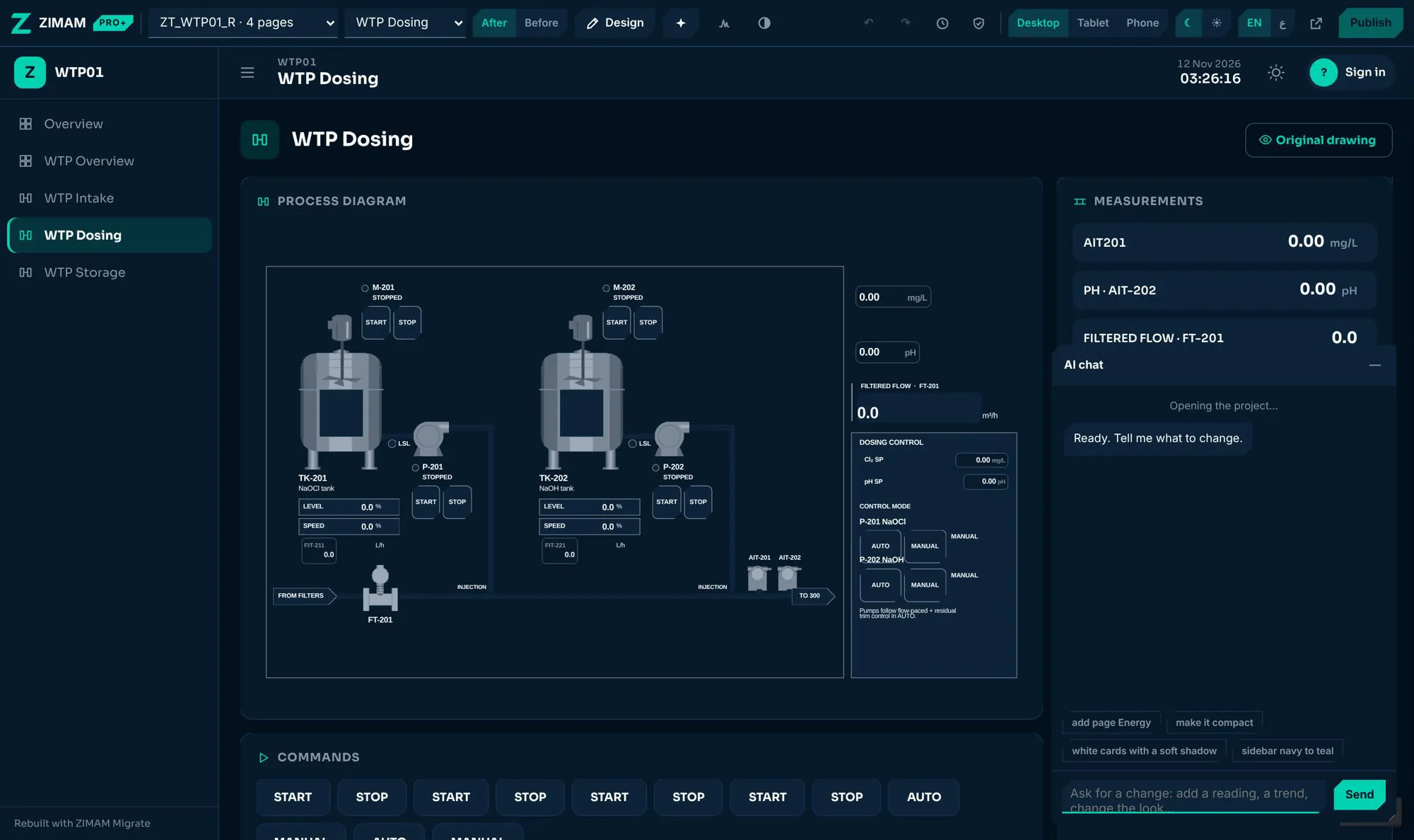
Watch the film · 1:42
ZIMAM Migrate: FactoryTalk View to Ignition 8.3, rebuilt by AI
What it does
Reads the whole FactoryTalk export
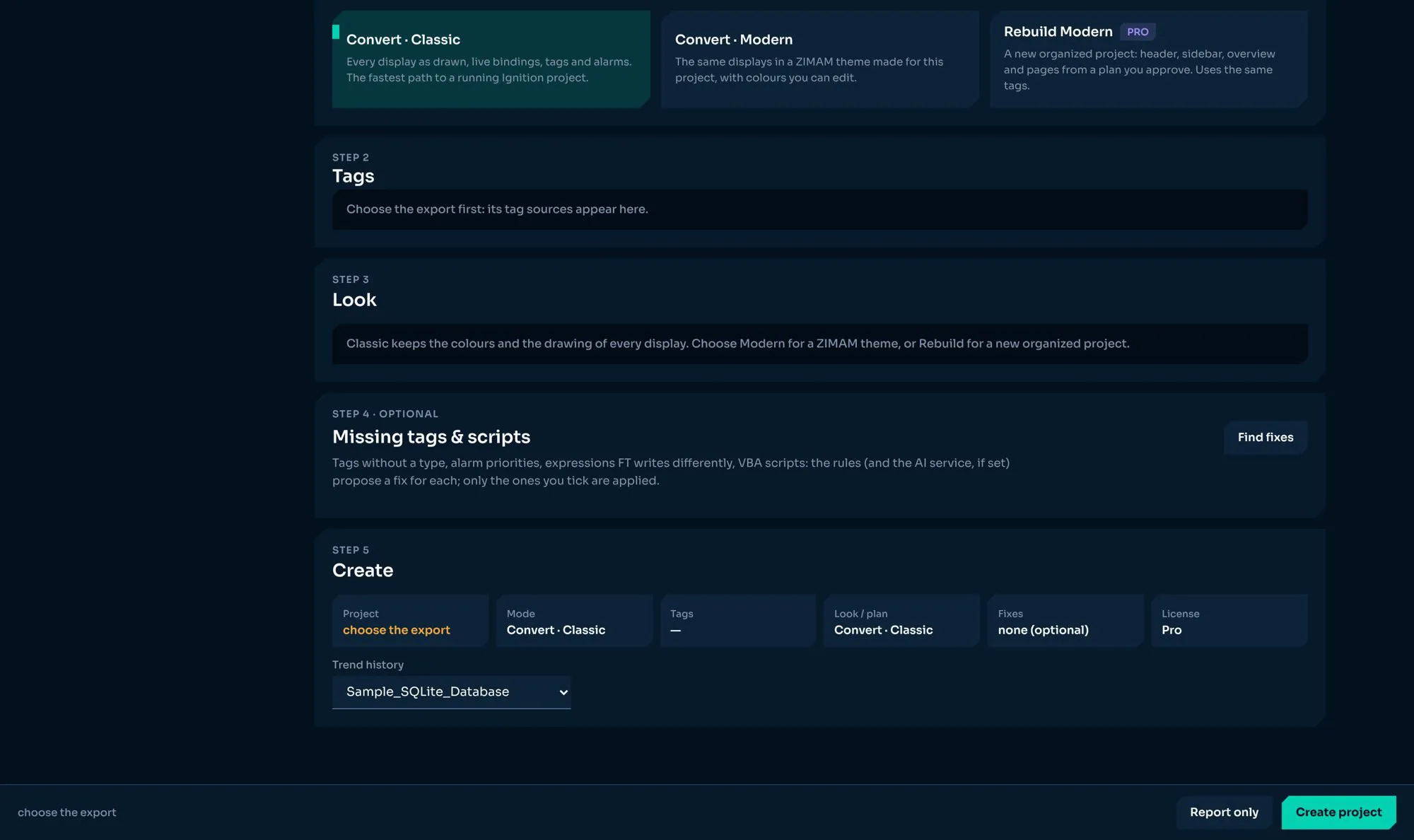
Displays, tags, alarms, VBA scripts and parameters from FactoryTalk View SE or ME. One page walks the engineer through Project, Tags, Look, Missing tags & scripts, and Create.
Three ways to migrate
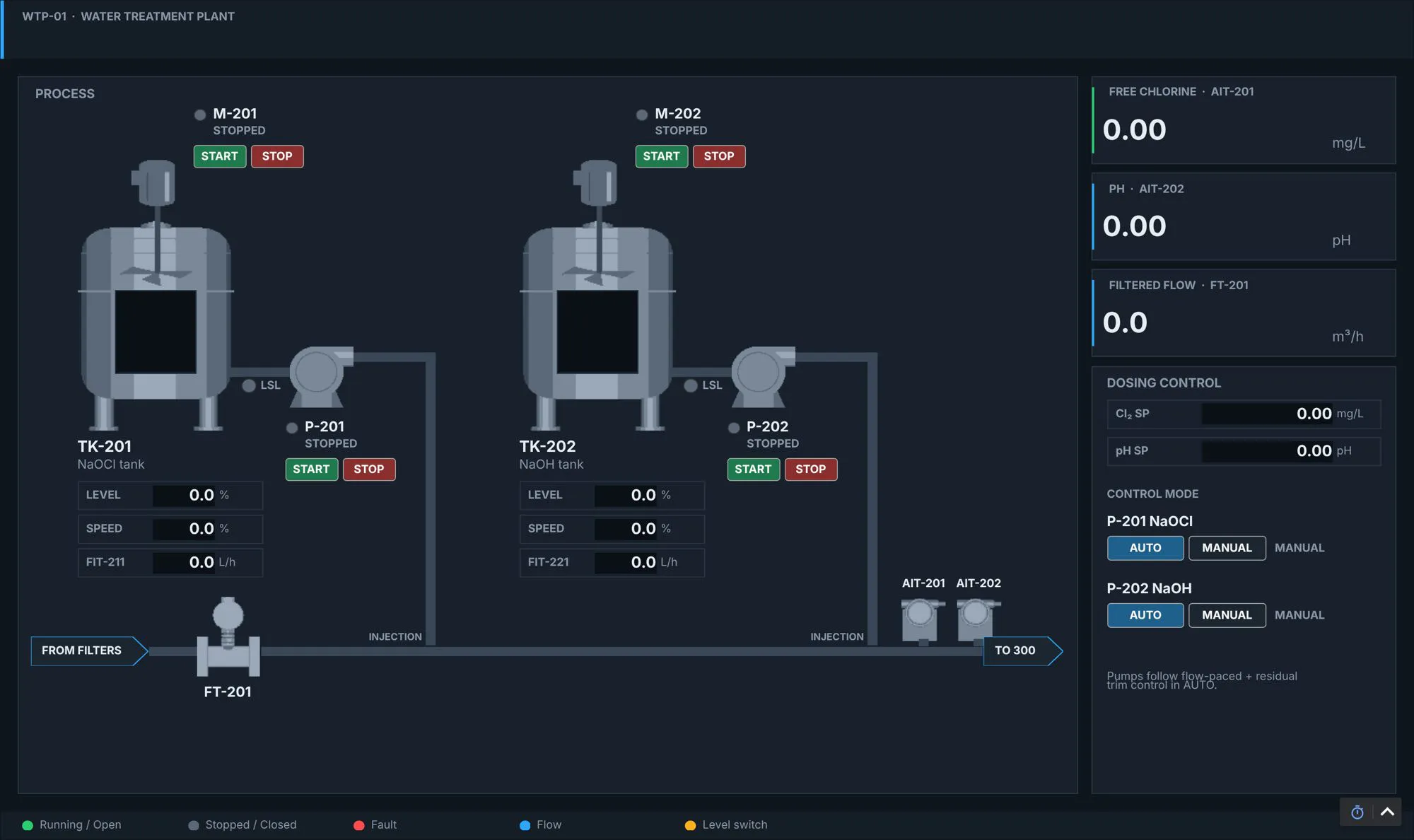
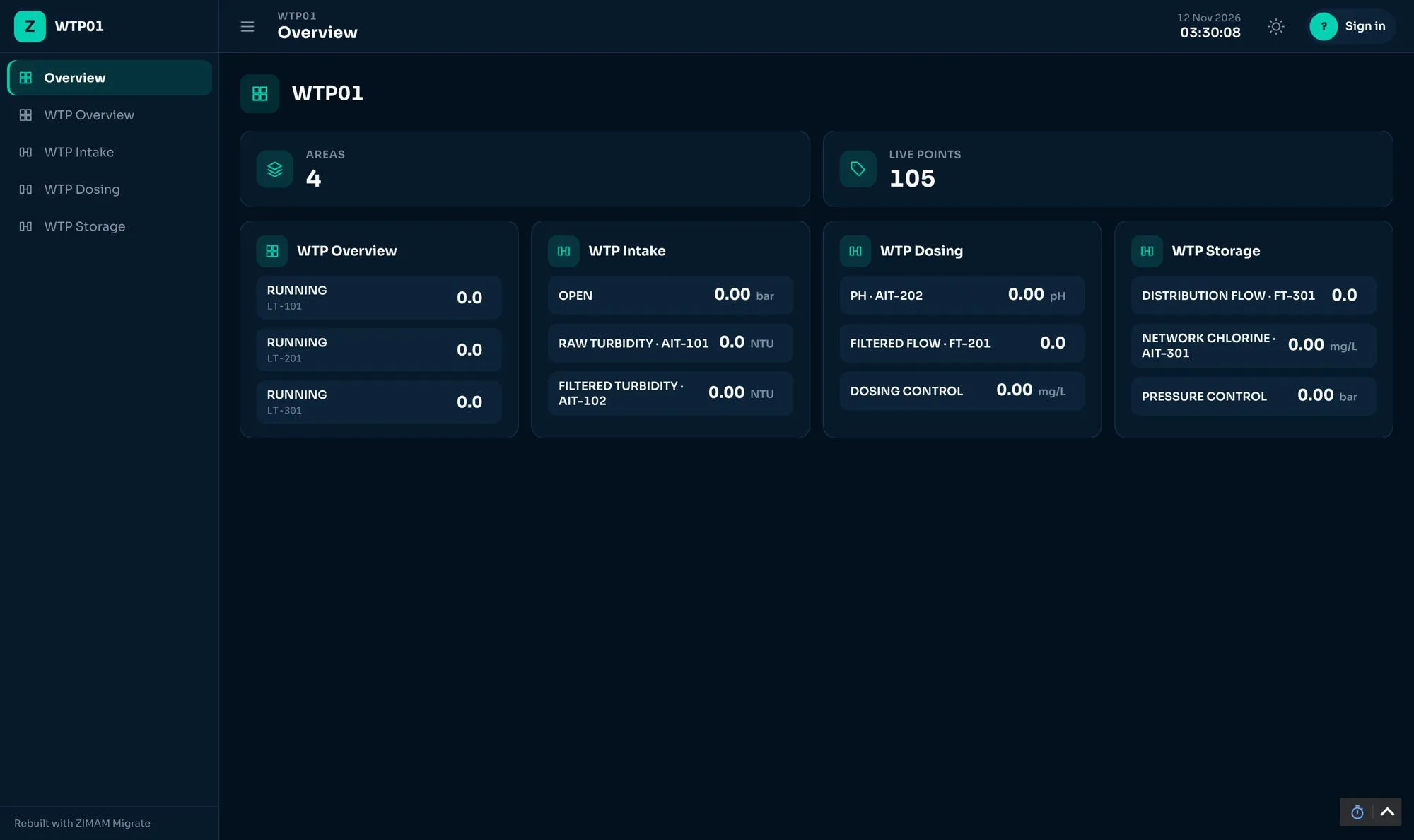
Convert Classic keeps every display exactly as drawn. Convert Modern gives the same displays the ZIMAM look. Rebuild Modern (Pro) builds a new operator-first project with an Overview, pages, cards and faceplates.
A report, not a guess
Whatever cannot be proven is listed in the report. A command appears only where the original project already writes that tag, and every reading carries its own name and unit.
ZIMAM Studio, with a safe preview
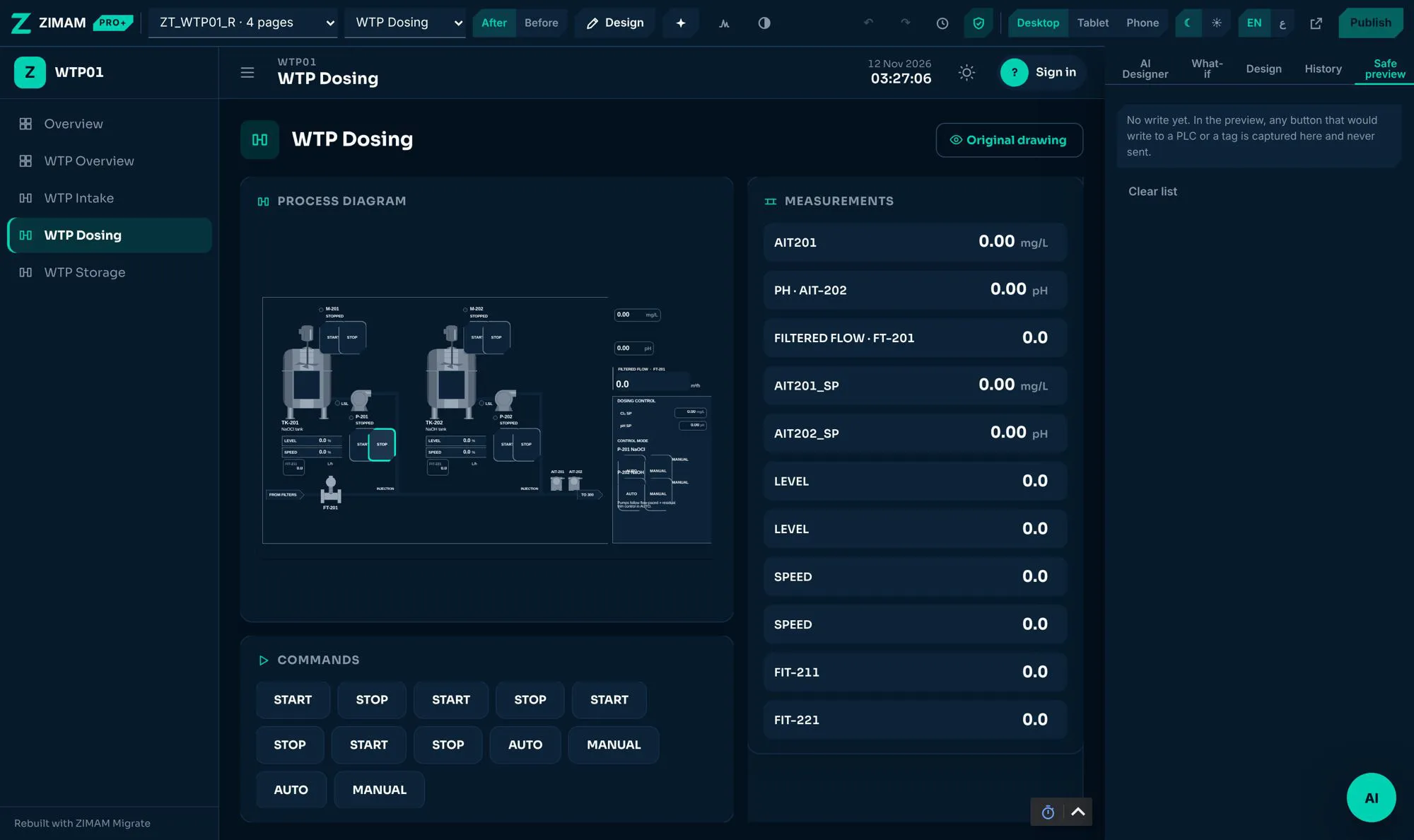
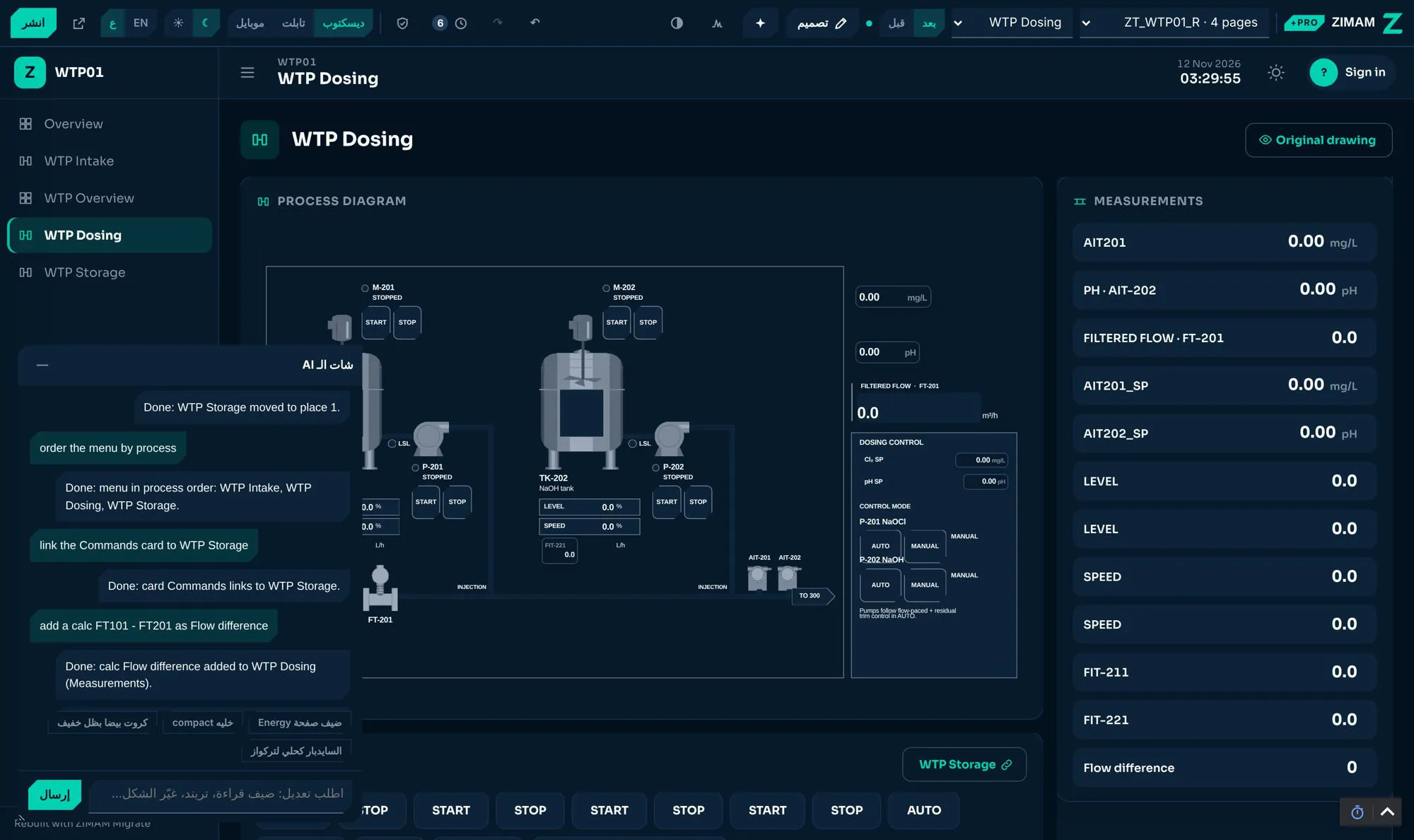
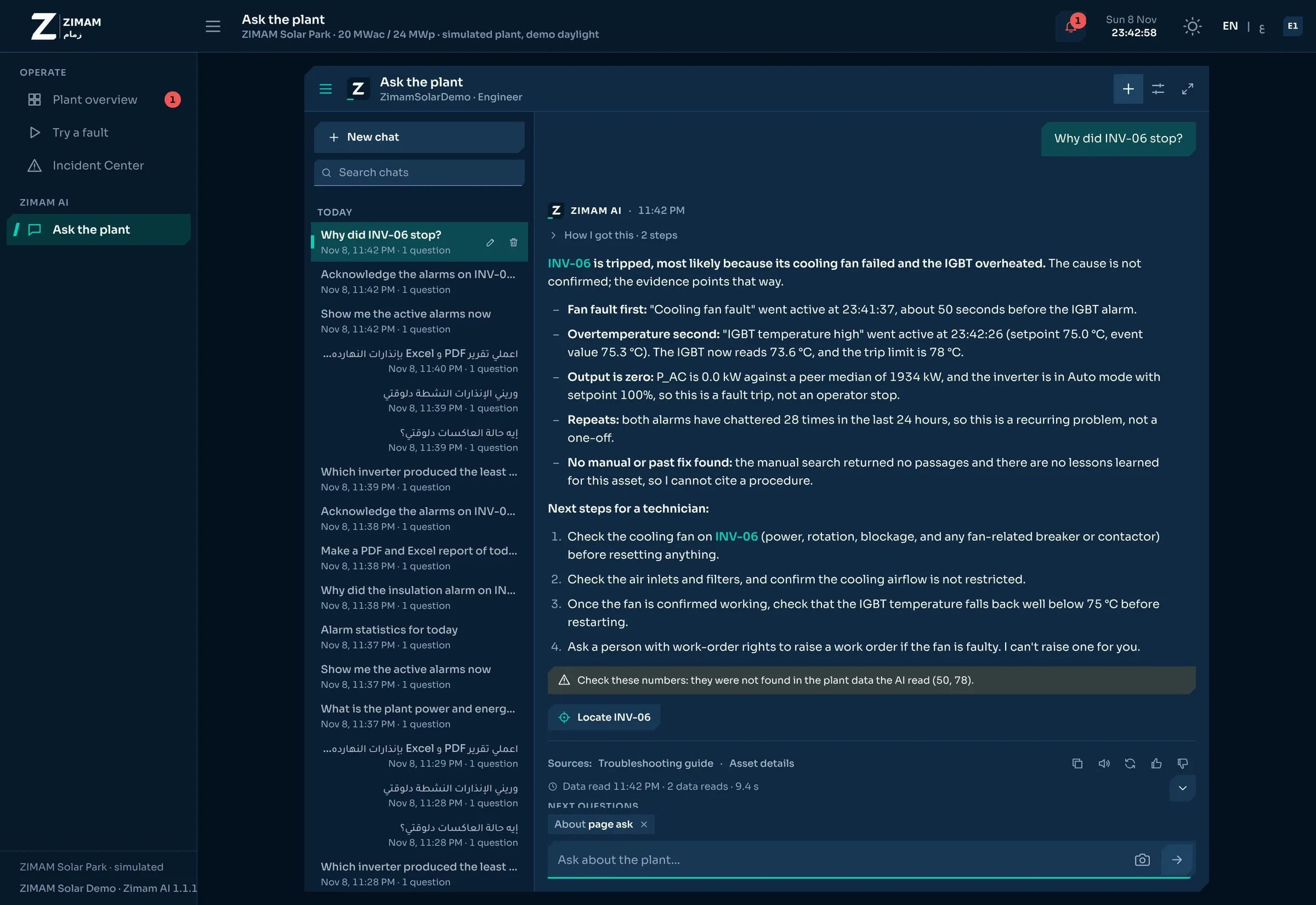
A live draft of the rebuilt project, changed by chat in Arabic or English or on the canvas. Reads stay live; every write is captured, never sent. Undo, What-if, and Publish with a backup first.
The plant, from its own drawings
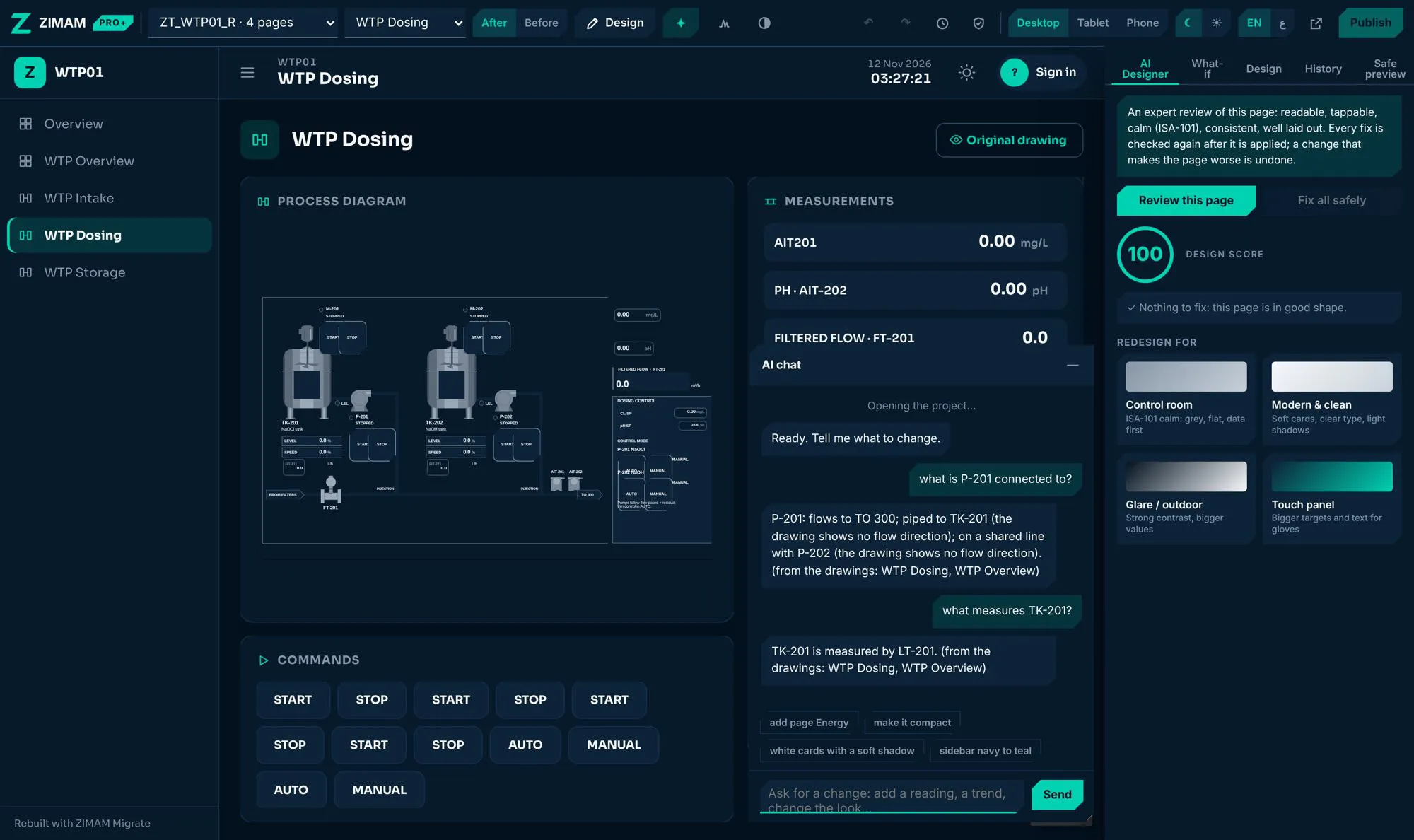
ISA-5.1 tags are parsed into a plant graph of equipment, pipes, instruments and loops. Faceplates come from the drawn equipment, and questions like ‘What is P-201 connected to?’ are answered from the drawings.
AI Designer with guard rails
An ISA-101 design review with one-click fixes, menus in process order, card links and checked calculated readings. The AI only proposes checked operations, and a script runs only after the engineer approves the exact code.
How it works
- Install the module on the Ignition 8.3 gateway
- Choose the FactoryTalk View SE or ME export
- Map the tag sources and pick a look
- Review the missing tags and scripts, and tick the fixes to apply
- Create the project, then refine it in ZIMAM Studio and publish
Licensing
Convert Classic and Convert Modern convert the displays. Rebuild Modern, the new operator-first project, needs the Pro licence.
- Price
- Request a quote
- Runs on
- Ignition 8.3
- Requires
- Perspective
- Built with
- Java SDK
- Status
- Beta
Compatibility
Ignition 8.3 · Perspective
Files and documentation
Documentation is shared with demo requests while this module is in Beta.
Used in these sectors
Desalination & water treatment
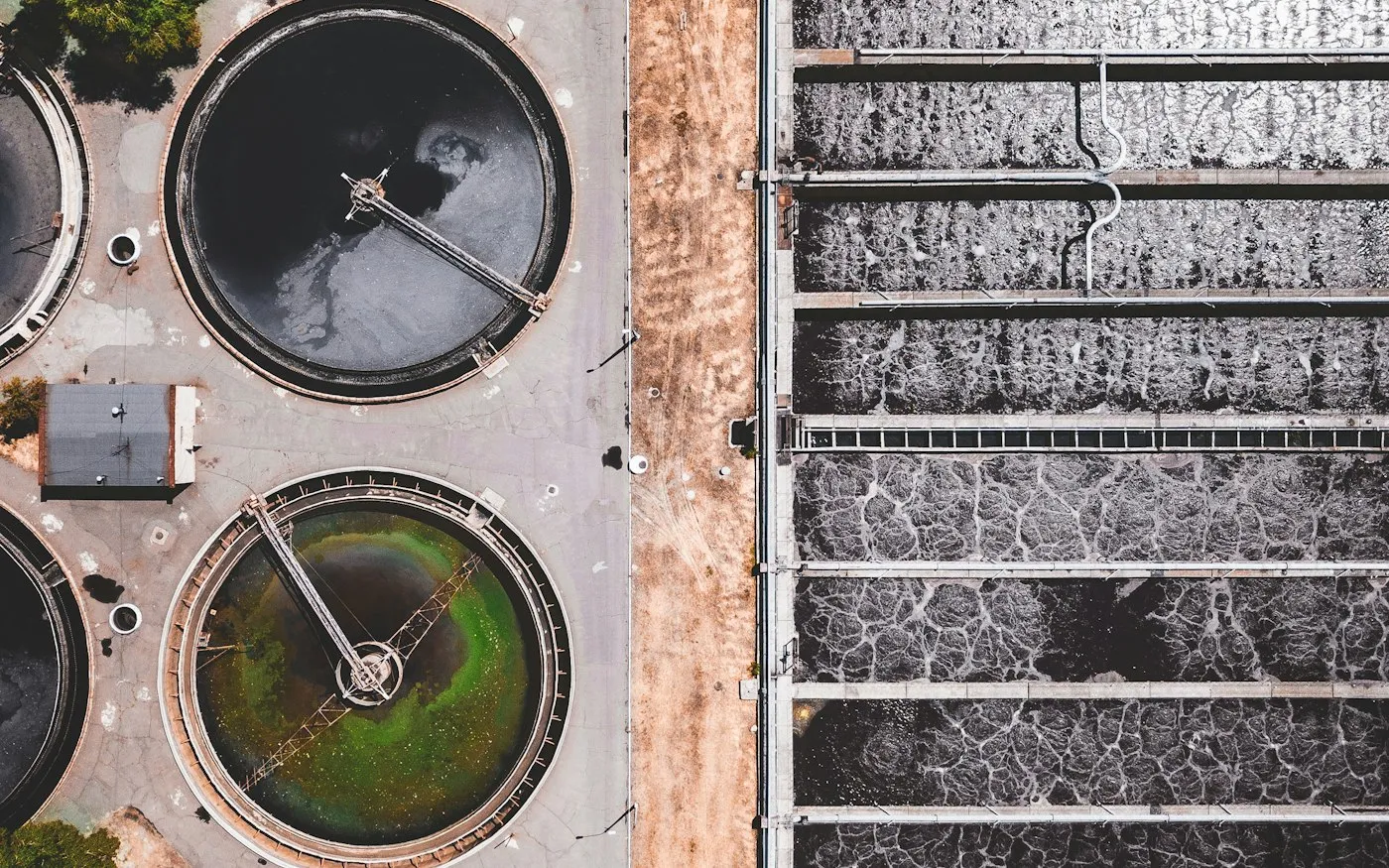
Full RO plant automation: intake, pre-treatment, high-pressure pumps, energy recovery, chemical dosing and CIP, with live specific energy per cubic metre.
kWh/m³
Manufacturing & MES
Production tracking, OEE, quality and batch genealogy, from raw material to finished goods.
OEECommon questions
Which FactoryTalk versions does it read?
FactoryTalk View SE and ME exports, including displays, tags, alarms, VBA scripts and parameters.
Can the AI write to the plant?
No. Nothing writes to a tag the original project did not already write, nothing is sent to the plant before Publish, and only the engineer can approve a script, never the AI.
What happens to what cannot be migrated?
It is listed in the migration report with the reason. In the Missing tags & scripts step, the rules (and the AI service, if set) propose a fix for each item, and only the ones you tick are applied.
Can we undo a change after it is published?
Every change in the Studio is a checkpoint you can step back to or restore, and Publish takes a backup of the project first.
Does it work in Arabic?
Yes. The Studio, the chat and the rebuilt projects work in Arabic, right to left, and in English.
How is it tested?
More than 2,000 automated tests, with the Python reference and the Java module giving identical results. Each safety rule is removed on purpose in a mutation test that must fail, and every feature is checked in a real browser on a real Ignition 8.3 gateway.
Book a 30-minute demo: ZIMAM Migrate
Send a few details and one of our engineers will reply within one business day.
- [email protected]